Core and the hub
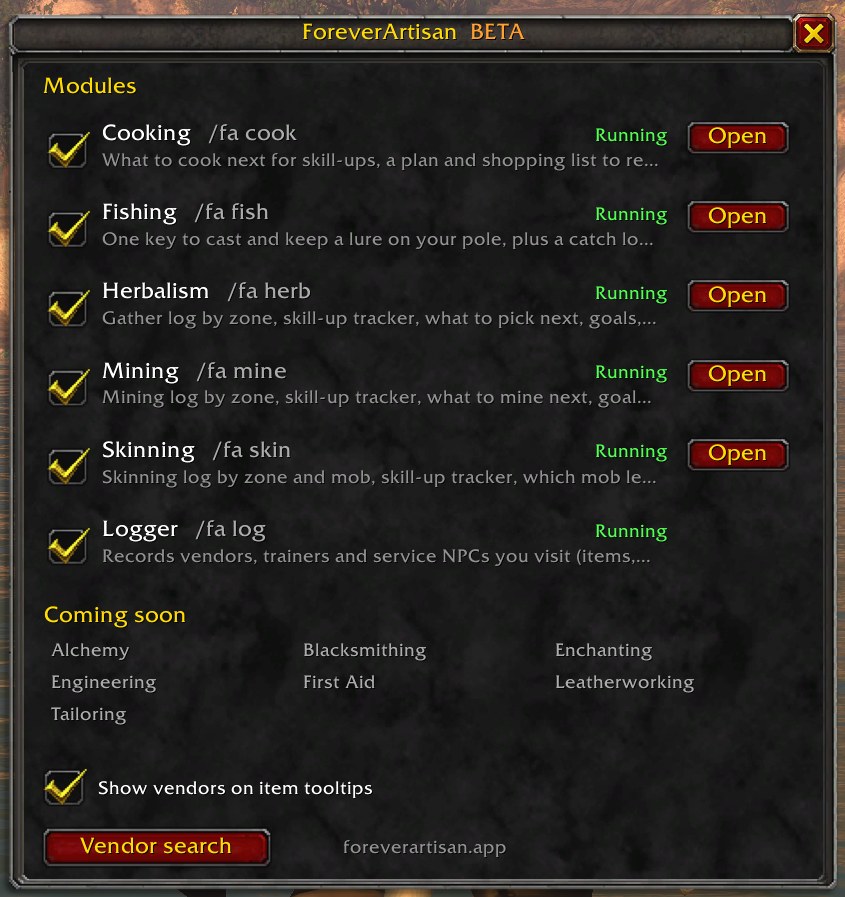
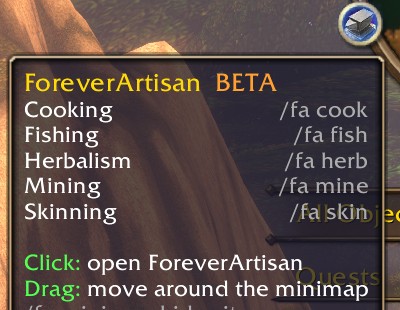
/faCore is required. It runs the hub, the minimap button, the module on/off panel, and the shared look every module uses.
/faopens the hub; each running profession has an Open button- Turn modules on or off per character, then reload once
/fa versionchecks that every module matches Core;/fa enableand/fa disableswitch modules from chat/fa betashows the beta notice and the feedback link;/artisanworks as an alias for/fa
Fishing
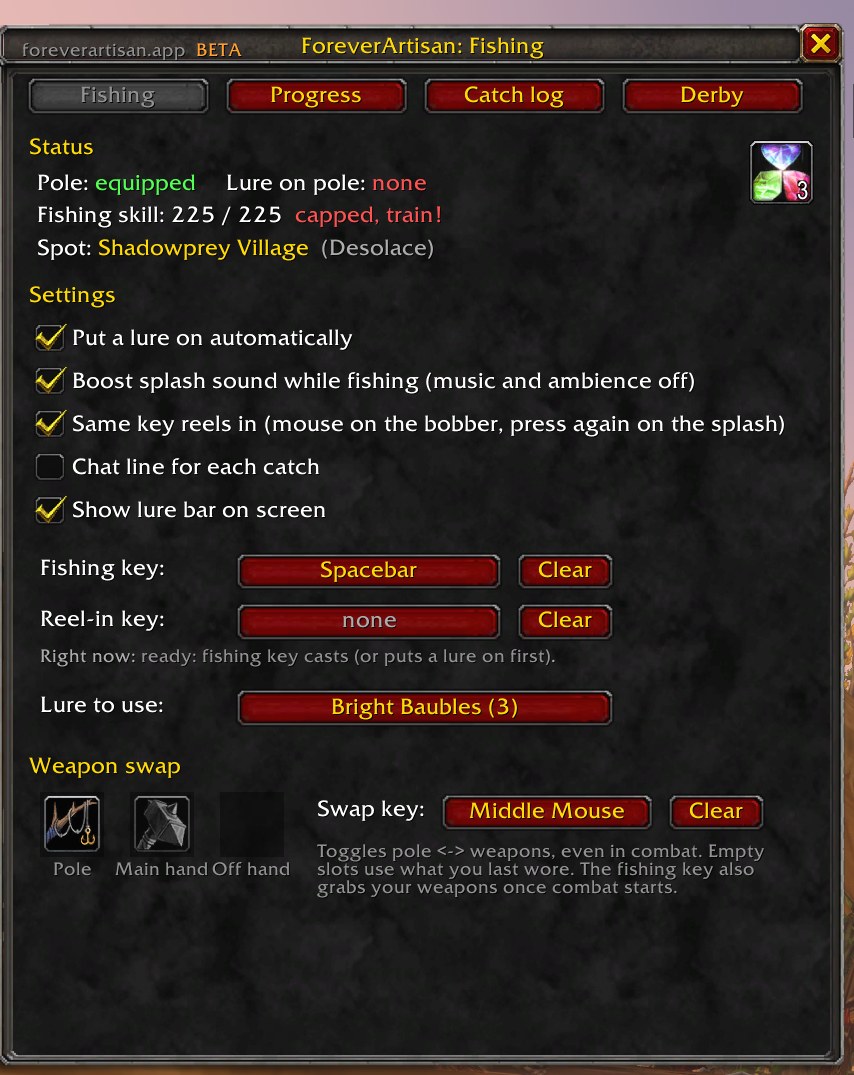
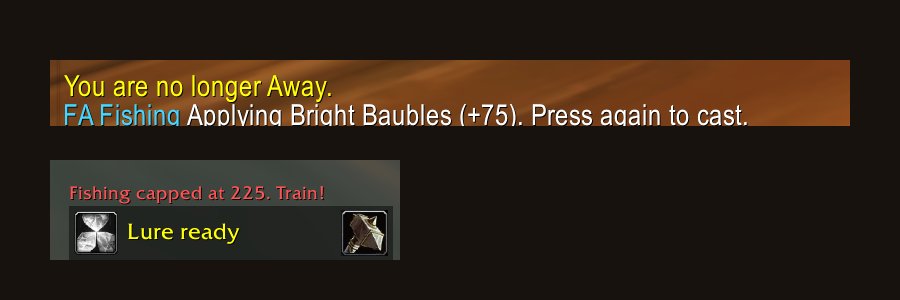
/fa fishFishing is the only module that does more than track: it also runs the cast, the lure, and the reel-in, one key press at a time.
- One key casts; if your lure has run out it applies the best lure in your bags first
- Press the same key again to reel in when the bobber splashes
- Swap key trades your pole for your weapons, and the fishing key equips weapons when combat starts
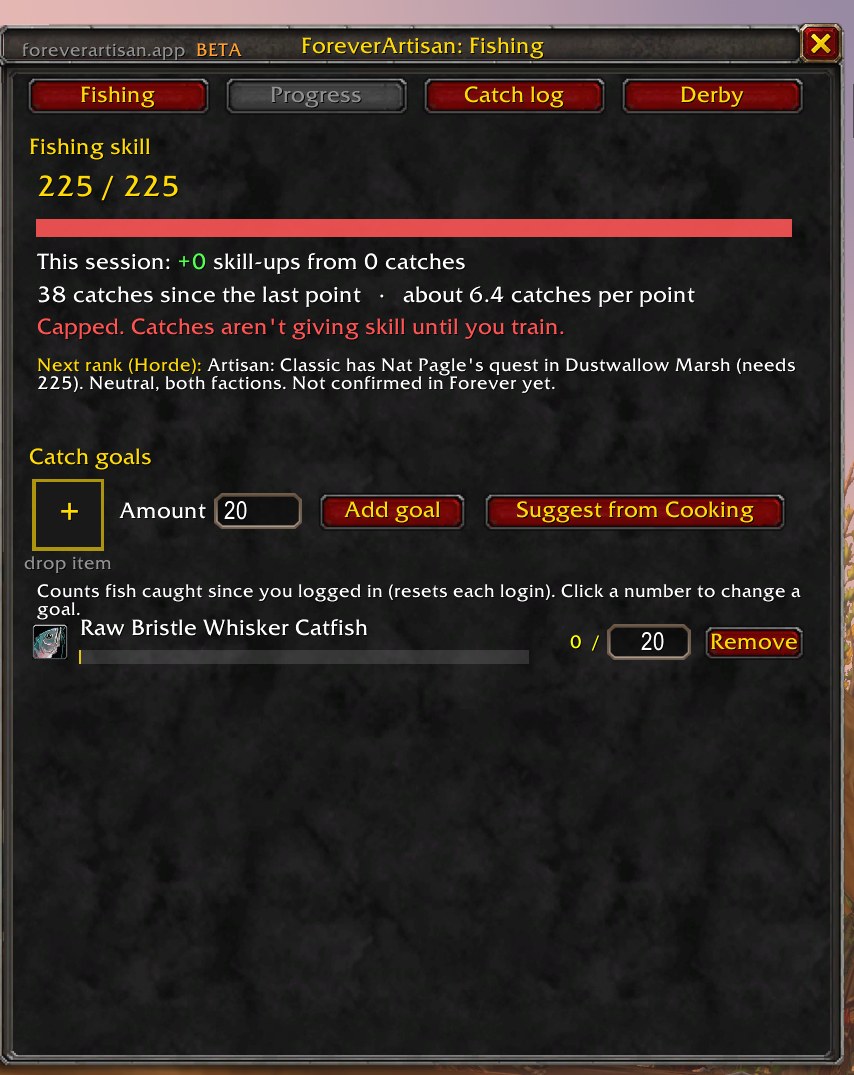
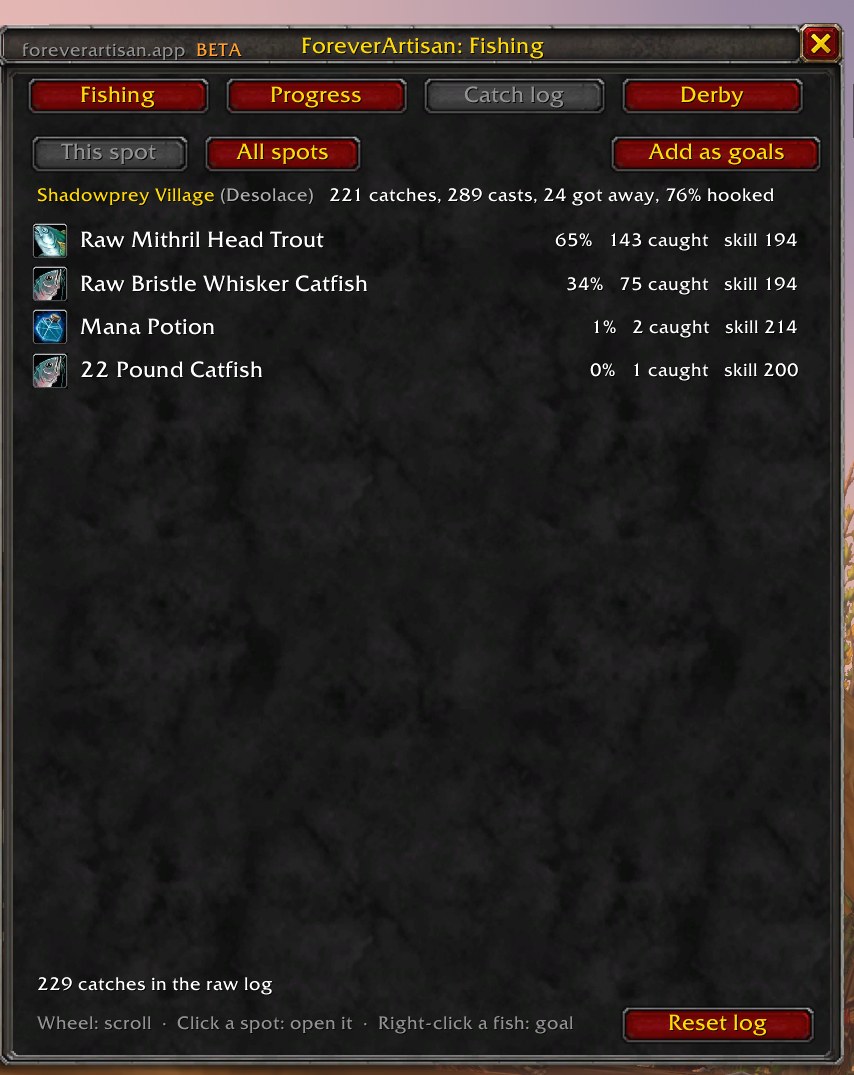
- Catch log by spot with catch rates, skill, and lure; goals count catches since login
- Warns you when your pole is broken or close to it, instead of the game's misleading error
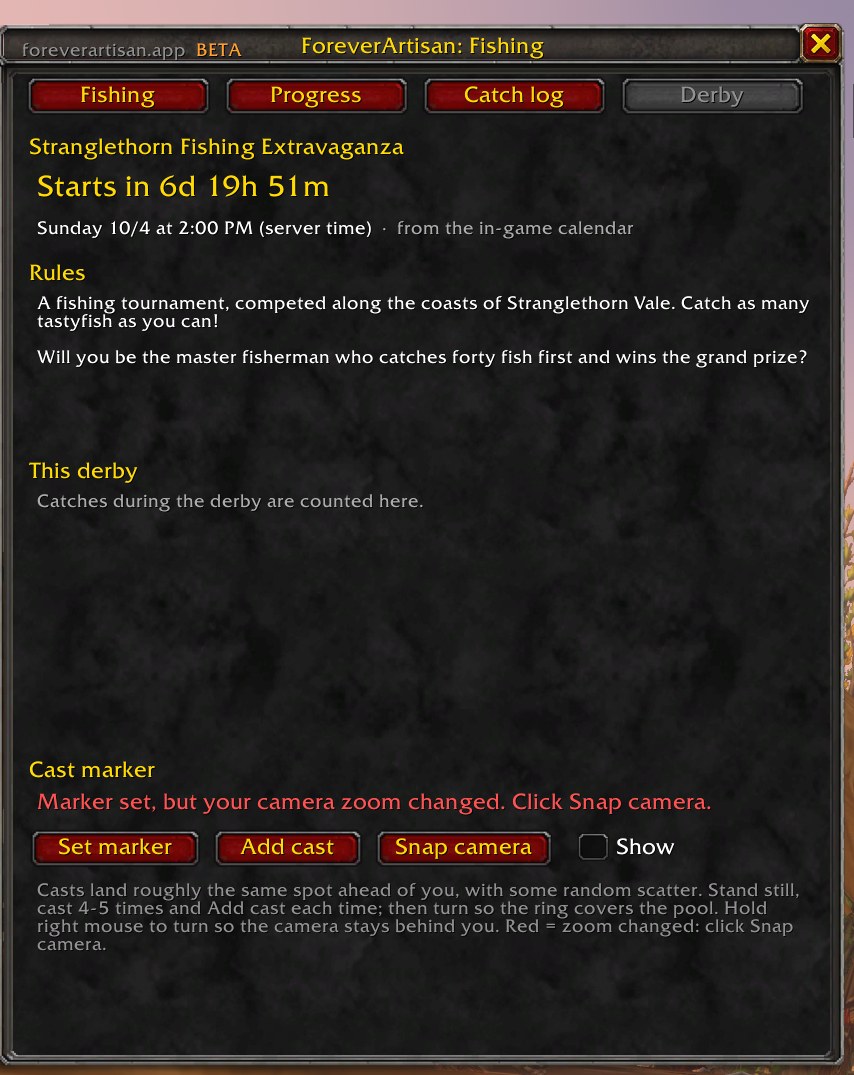
- Derby tab counts down to the Stranglethorn Fishing Extravaganza using the in-game calendar
Herbalism
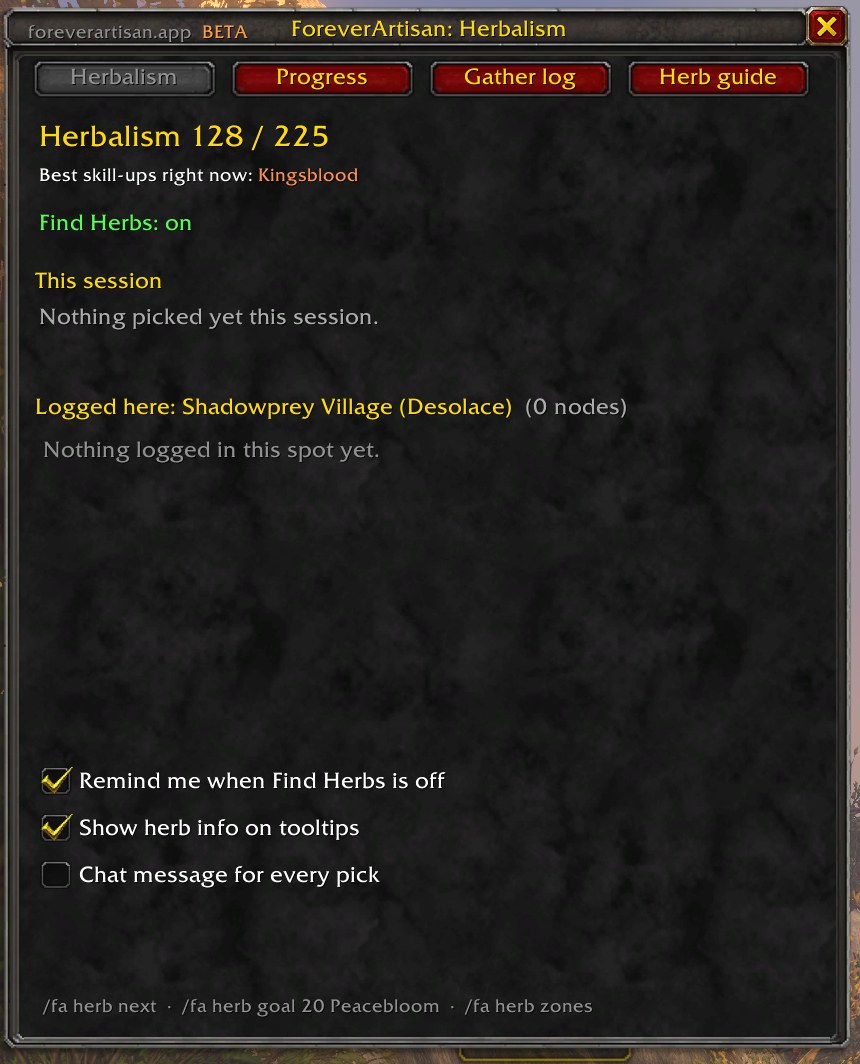
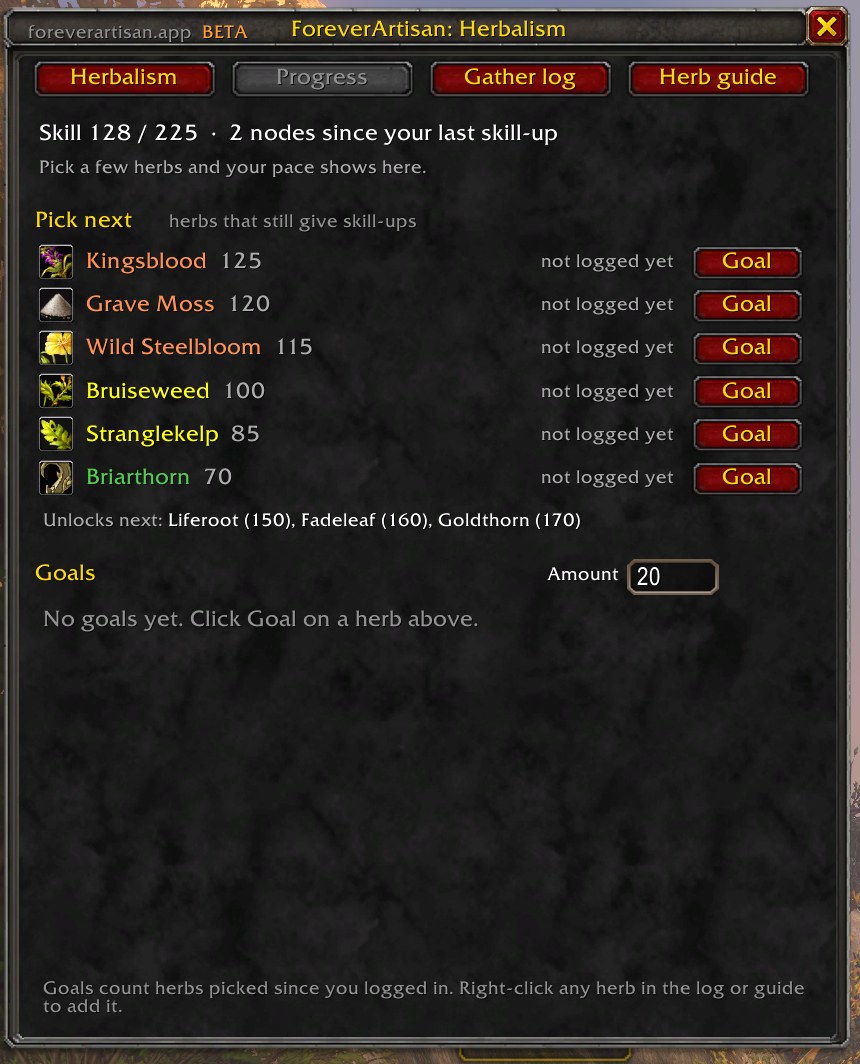
/fa herbHerbalism logs every herb you pick, including bonus herbs like Swiftthistle, and turns that log into advice.
- Pick next lists the herbs still orange, yellow, or green for your skill, with the zones where you picked them
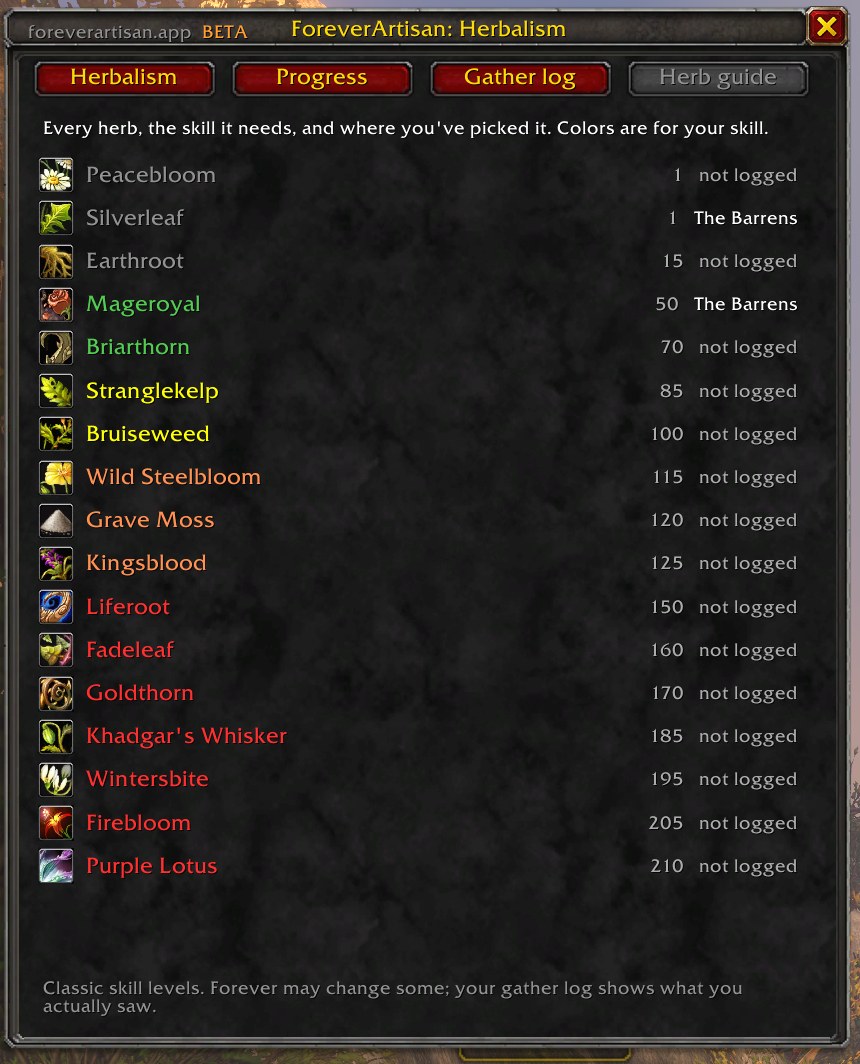
- Herb guide covers all 28 Classic herbs with the skill each needs
- Tooltips on herbs and on herb nodes in the world show your color for them
- Find Herbs reminder after logging in or coming back from a death
- Session stats: nodes, herbs, skill-ups, and herbs per hour
Mining
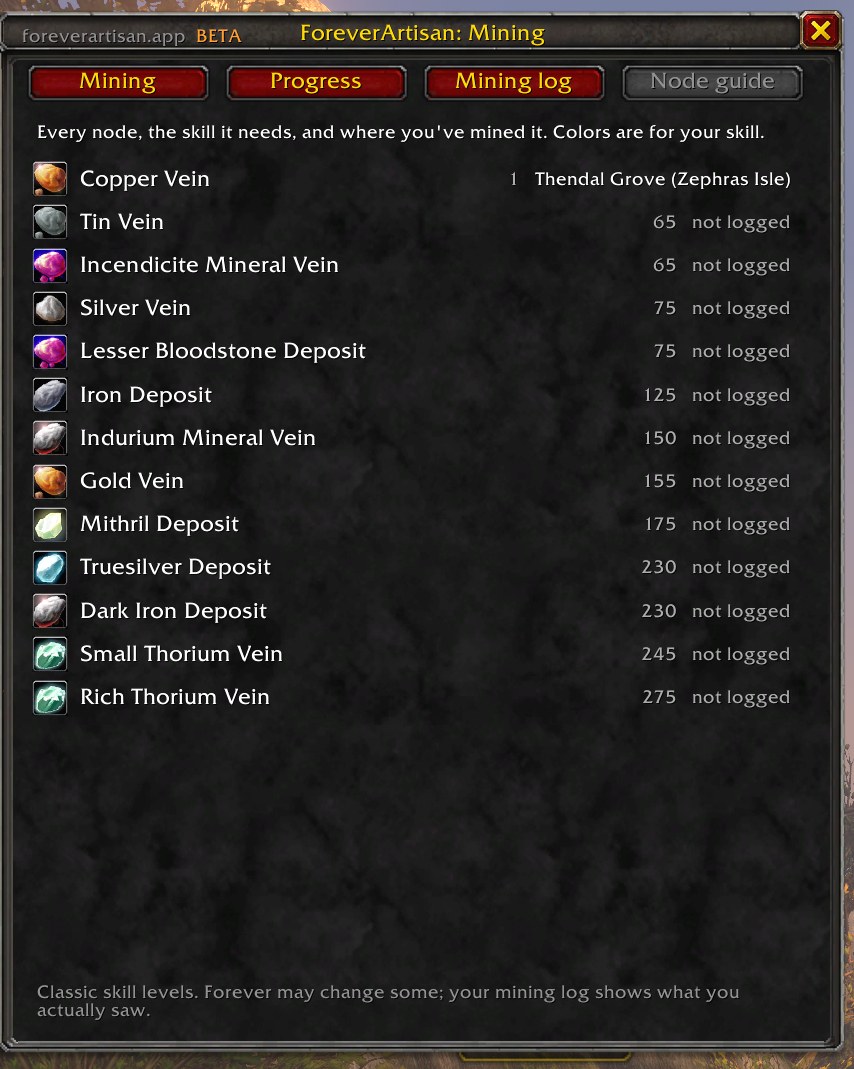
/fa mineMining tracks node types and the ore they drop separately, because Small and Rich Thorium Veins both give Thorium Ore.
- Mine next ranks node types by skill-up chance; the Goal button tracks that node's ore
- Node guide covers all 13 Classic node types; Ooze Covered nodes count as their normal type
- Ore tooltips show the node, the skill needed, and where you've mined it
- Reminders for Find Minerals and a missing Mining Pick, only on characters that know Mining
Skinning
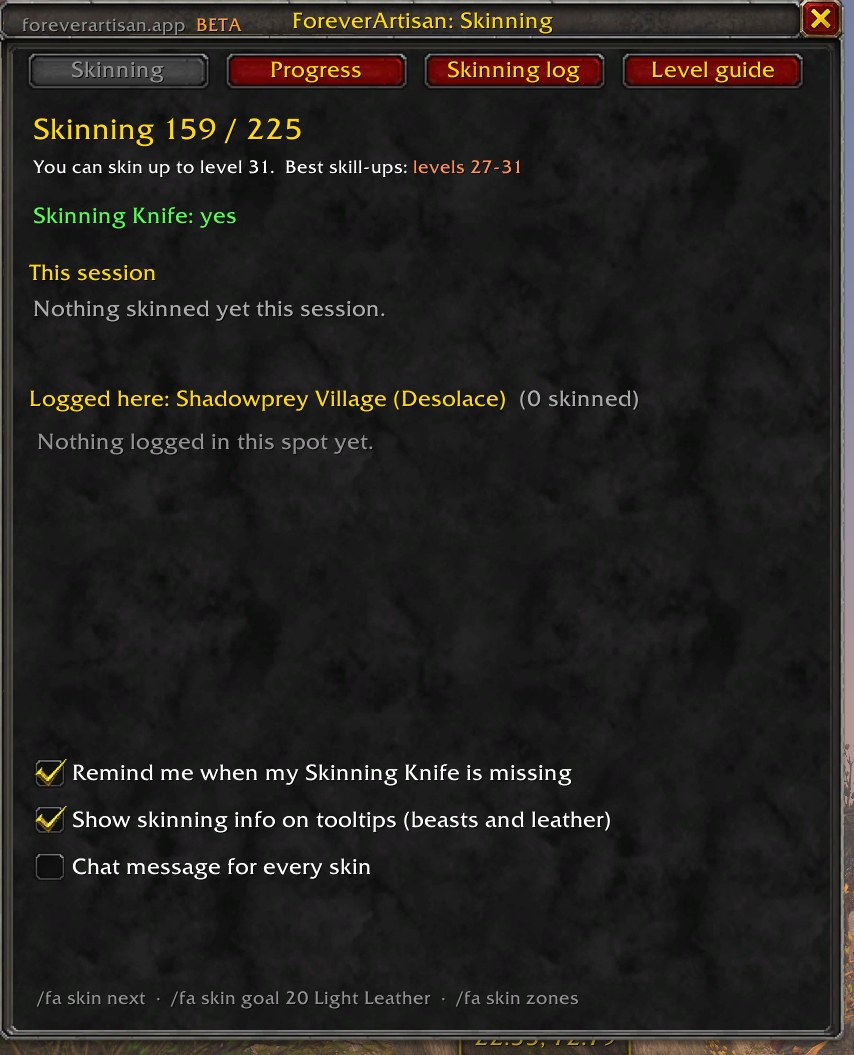
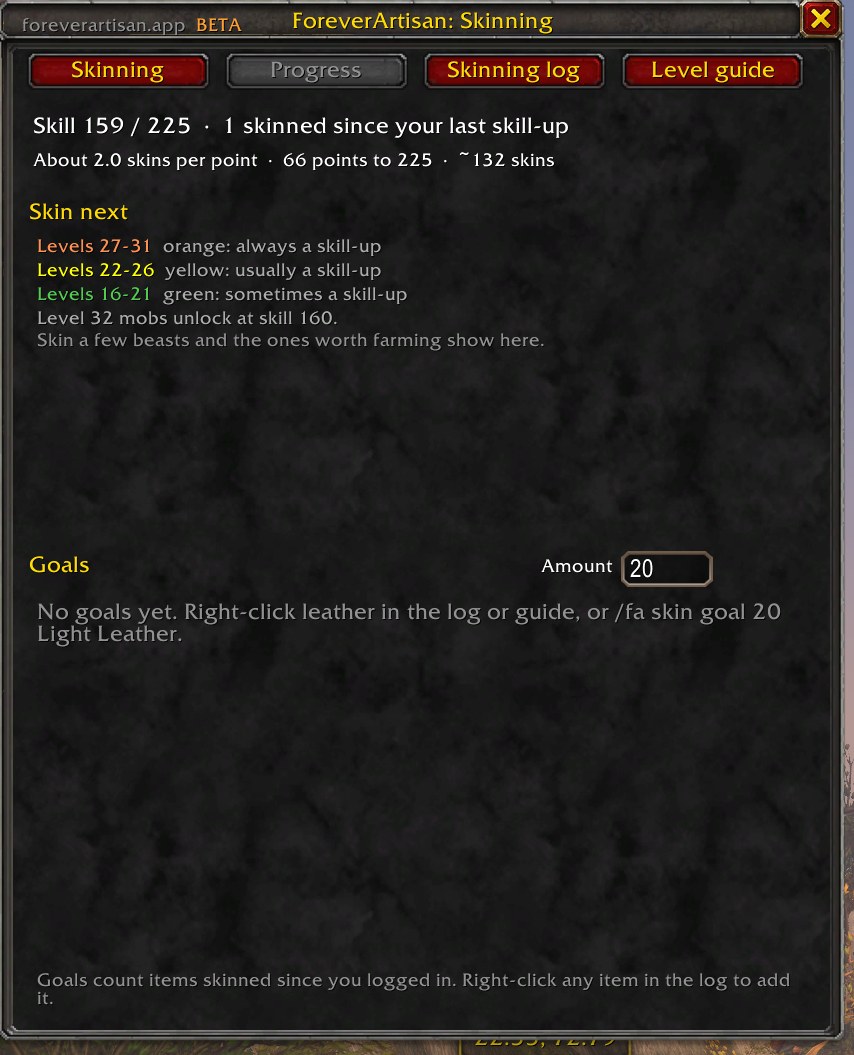
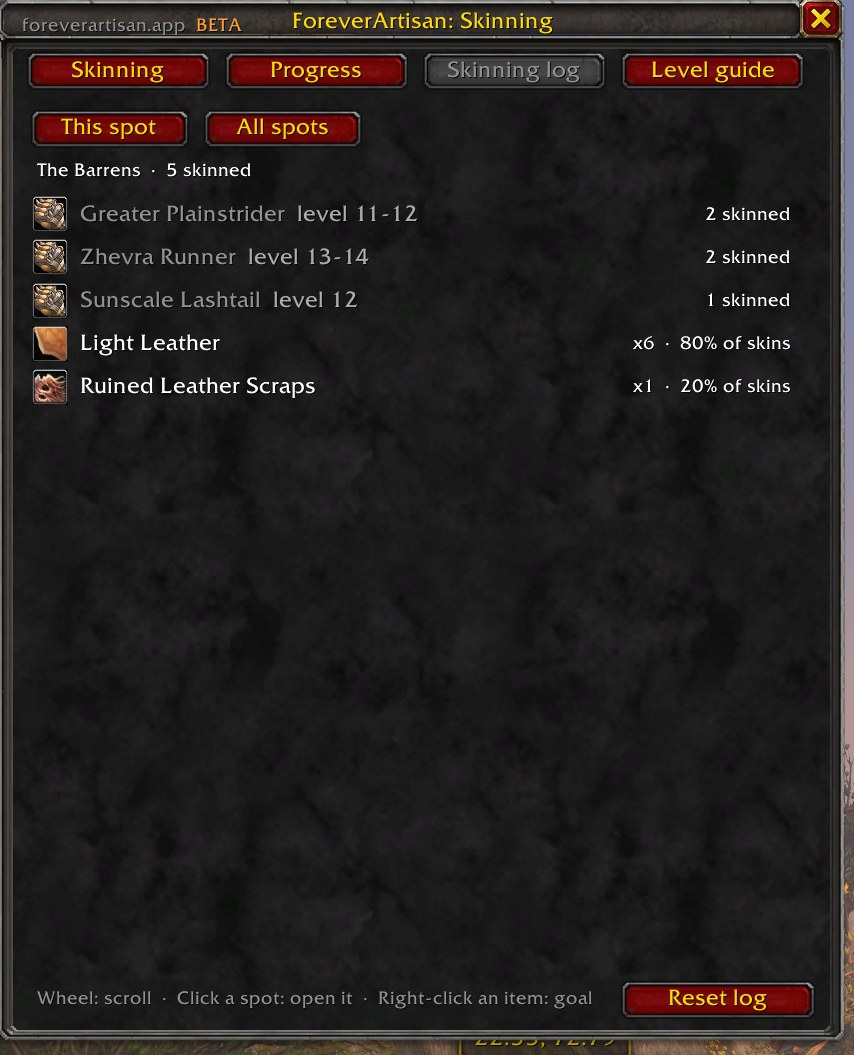
/fa skinSkinning works by mob level instead of node type. The skill a corpse needs comes from the mob's level.
- Hover any beast to see the skill it needs and whether it's orange, yellow, green, or gray for you
- Skin next shows the level ranges that still give skill-ups
- The log records each mob's name and level, so it can point you back to specific mobs
- Level guide pairs every mob level from 5 to 60 with the leather it usually drops
Cooking
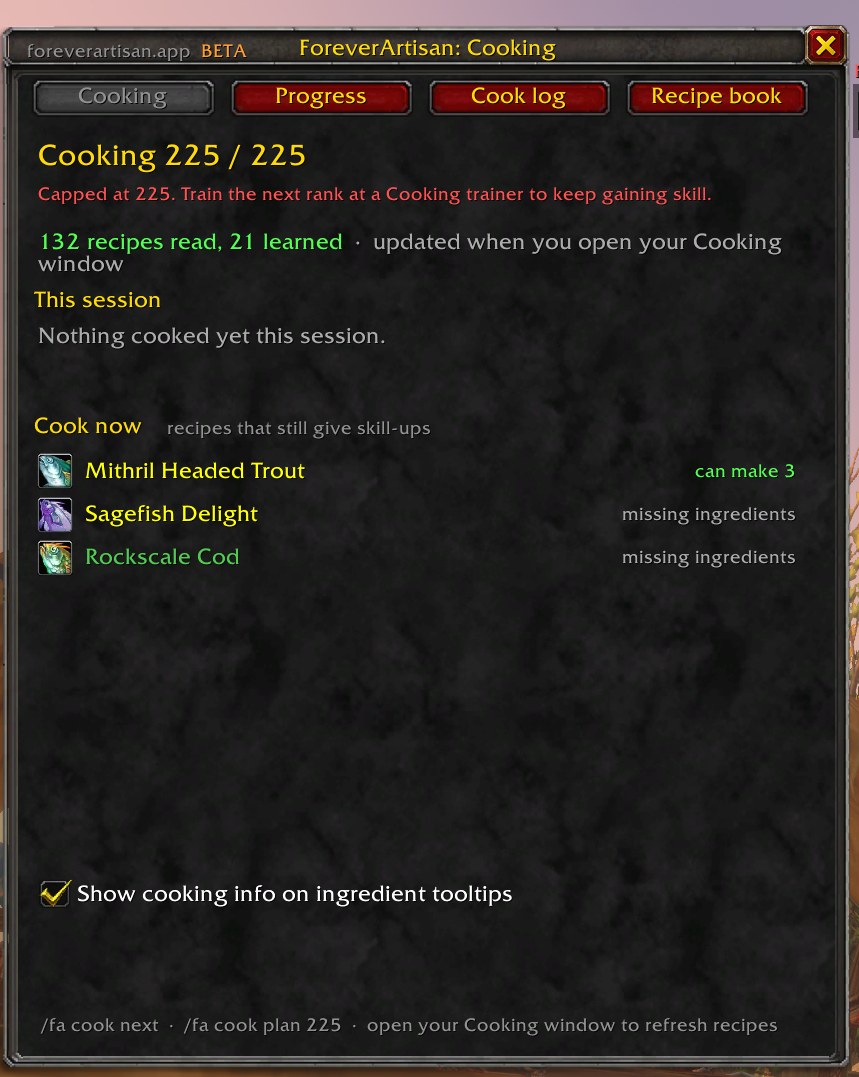
/fa cookCooking reads every recipe, learned or not, from your Cooking window. Open the window once and the module has your whole recipe book.
- Cook now lists recipes that still give skill-ups, with how many you can make from your bags
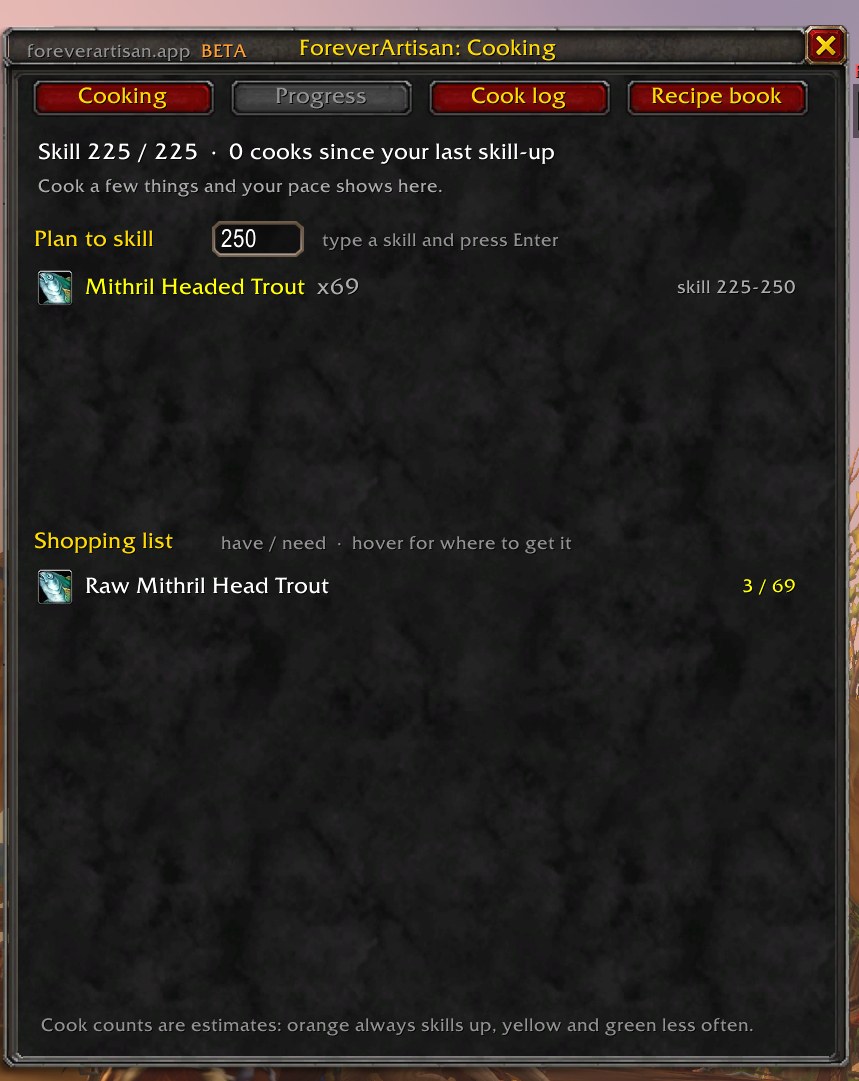
- Plan to any target skill: recipes, cook counts, and a have / need shopping list
- Shopping list sources come from Core's vendor list and your Fishing, Skinning, Herbalism, and Mining logs
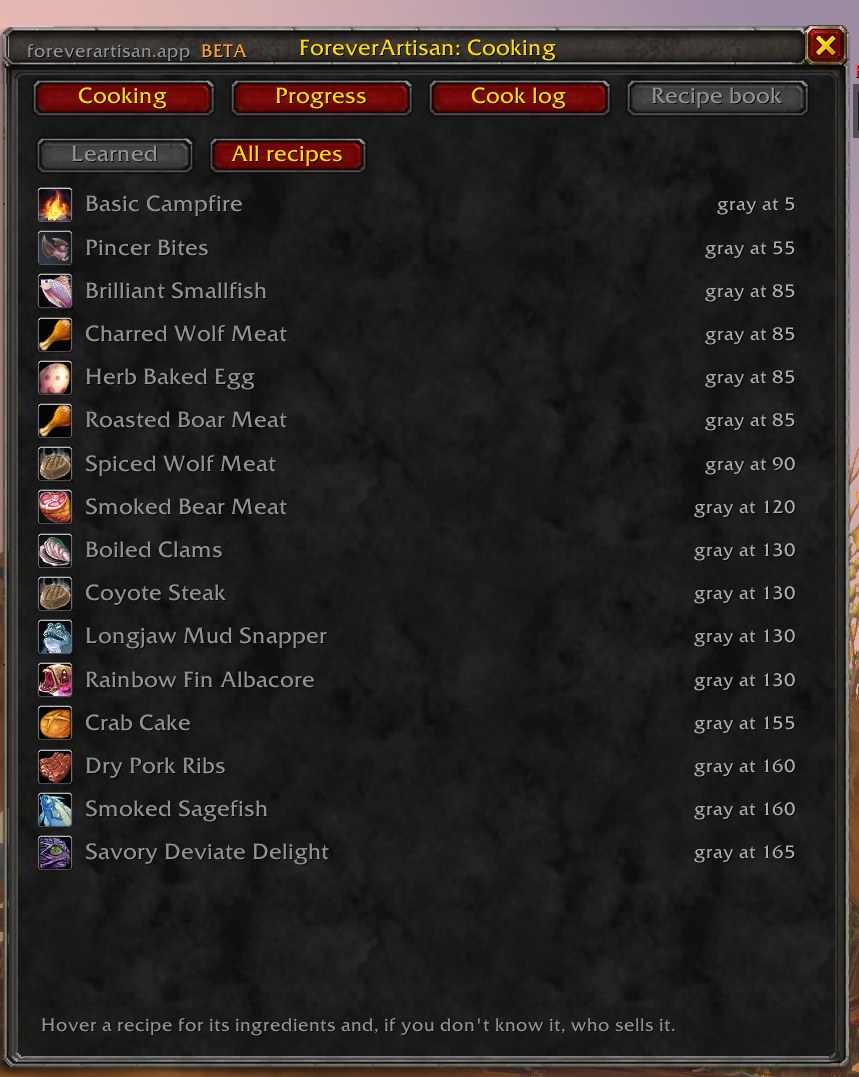
- Recipe book shows where each recipe turns gray and, for recipes you don't know, who sells them
- Ingredient tooltips name the recipes that use them
First Aid
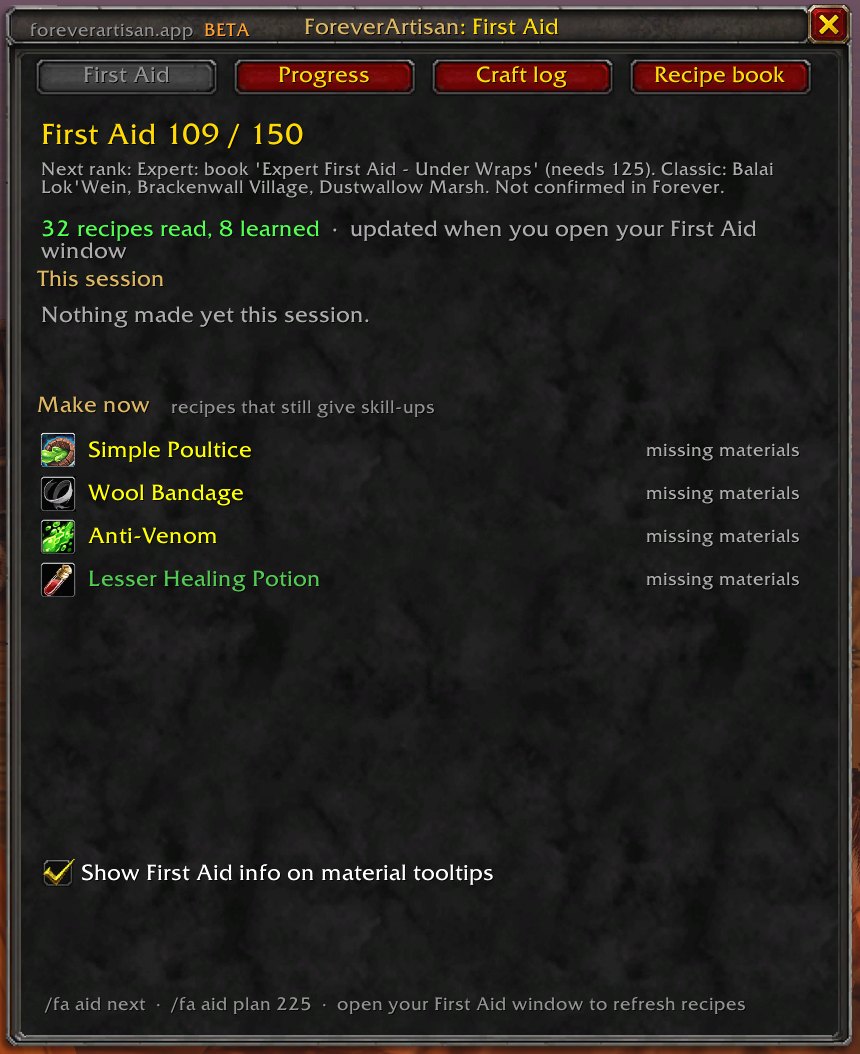
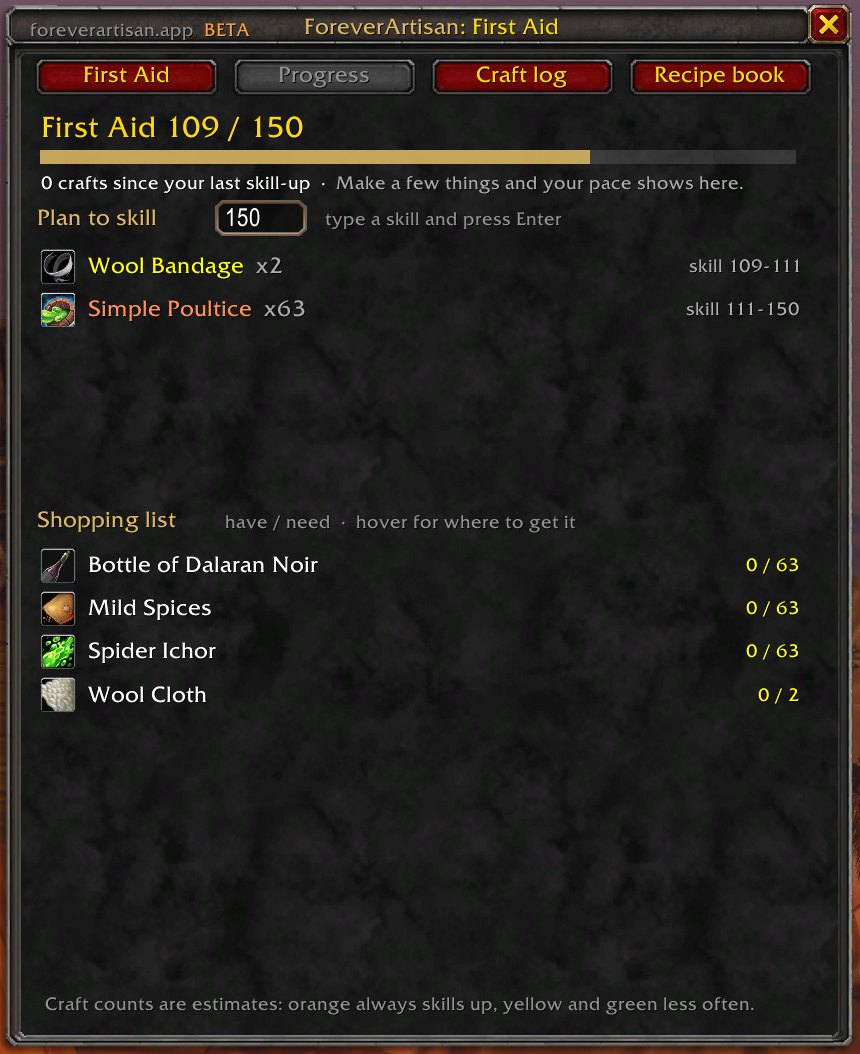
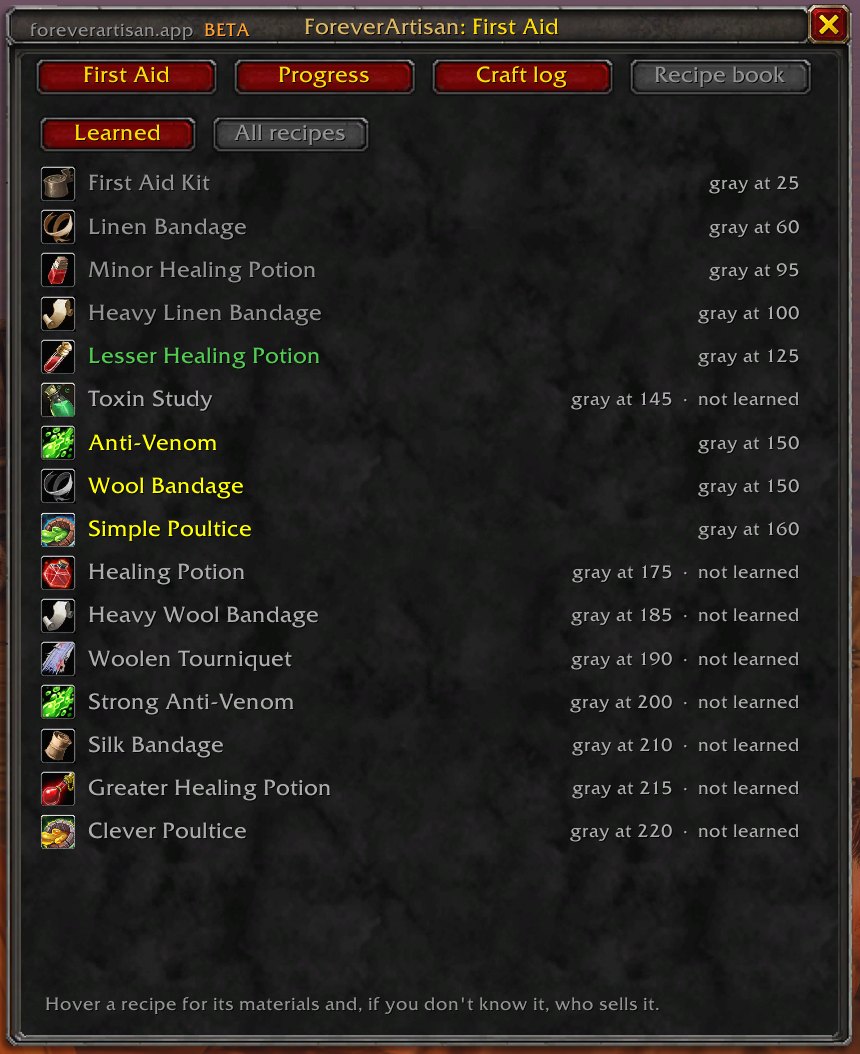
/fa aidFirst Aid works like Cooking: open the First Aid window once and the module reads every recipe, learned or not, then tells you what to make next.
- Make now lists the bandages, poultices and potions that still give skill-ups, and flags missing materials
- Plan to any target skill: recipes, craft counts, and a have / need shopping list for cloth and reagents
- Recipe book shows where each recipe turns gray and, for ones you don't know, who sells them
- Next-rank reminder names the book or trainer you need for Expert and Artisan
- Material tooltips show First Aid info;
/fa aid nextand/fa aid plan 225work from chat
Trade Contacts
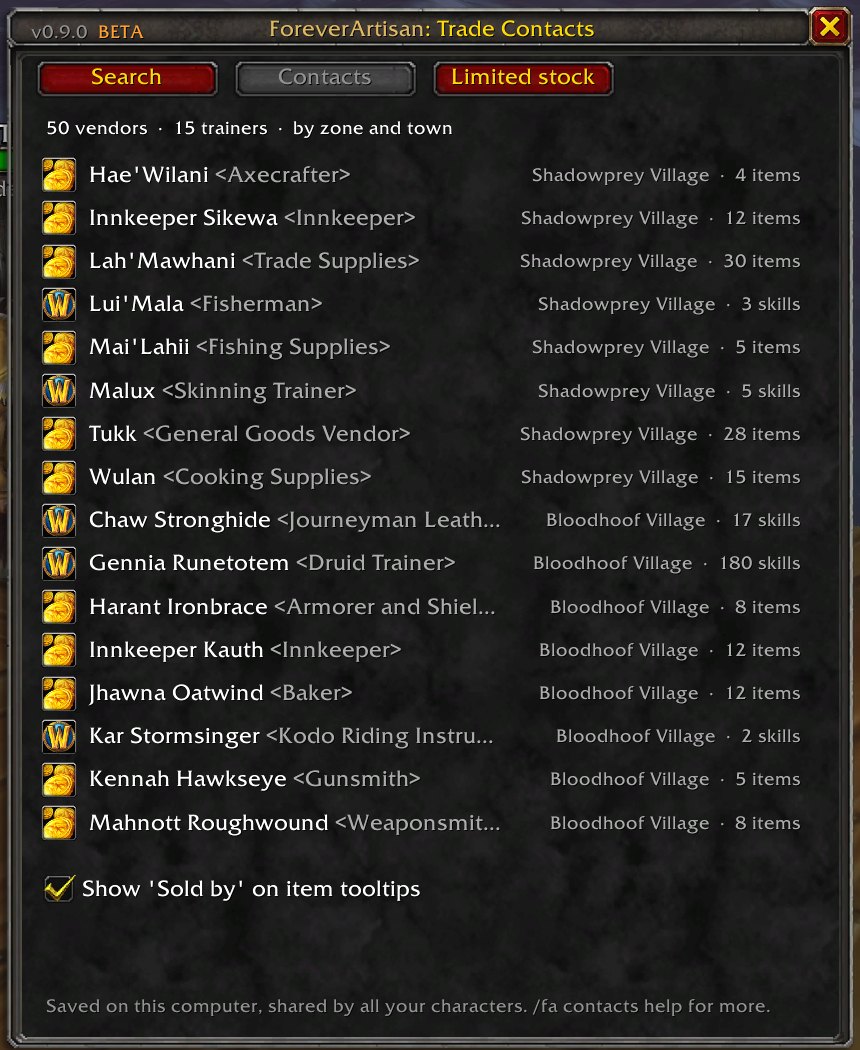
/fa contactsYour crafting address book. It starts empty and fills itself: talk to a crafting vendor or profession trainer and they're saved with what they sell or teach, prices, limited stock, requirements, and where they stand. Nothing is sent anywhere; the data lives in your SavedVariables and is shared by every character on the account.
- "Sold by" lines on item tooltips, nearest vendor first; click a search result for a waypoint (TomTom if you have it, the map pin if not)
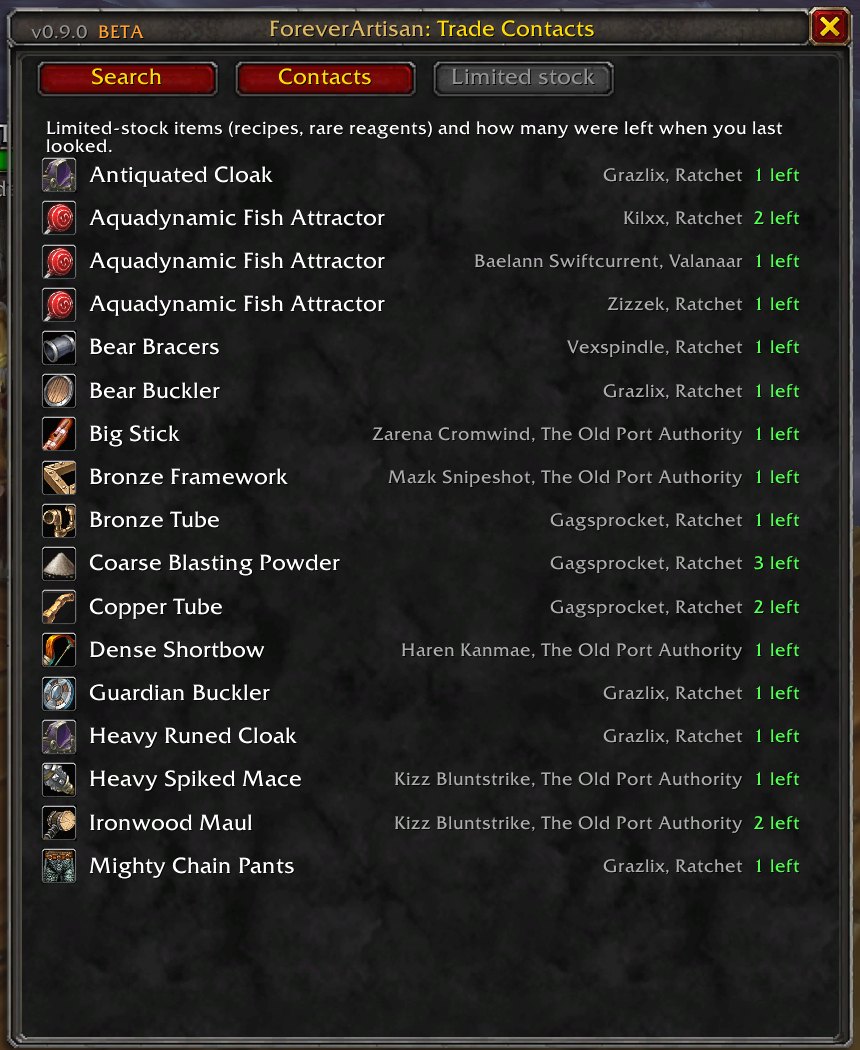
/fa silk threadsearches items, vendors and towns; the window has Search, Contacts, and Limited stock tabs- Limited stock remembers how many were left when you last looked, so restock timers can be worked out
- Opening a profession window saves every recipe with reagents and its color at your skill
/fa contacts scoutshows friendly NPC nameplates while you ride through town;/fa contacts todolists crafting NPCs you passed but haven't talked to- Only NPCs you've actually met. Innkeepers, guards and bankers are skipped